A modern training centre talks to its clients in several places at once: social networks, messengers, forms on the website, the phone, SMS. An enquiry that gets lost in one of those channels is not just a missed message — it is a student who never turned up for the course. We have put together eight tools that training-centre managers, trainers and coaches gain once a CRM is in place, and shown in figures what it did for one of our clients.
Many channels — one system
The day-to-day work of a modern training centre, and the selling of courses and workshops, involves a large number of channels — from social networks and websites to messengers and phones. The key question is a simple one: how do you bring all of that together into a single system that actually works well?
Below are eight useful tools that training-centre managers, trainers and coaches gain once a CRM is in place. This is not theory: the list comes out of our own experience and our own rollouts.
Client communication: tools 1 and 2
Tool 1. Open channels: every channel in one system
The "Open channels" module lets you bring together every communication channel: social networks, messengers, phone calls, SMS, enquiries from the website. A single system is a convenient place to keep call recordings, correspondence and client contact details.
- Distribute the queue of incoming enquiries between operators.
- Create prospect records automatically or manually.
- Connect a chatbot with ready-made replies.
- Keep the entire history of communication with a client in one place — no matter where they wrote or called from.
This way the system automates most of the processes involved in working with clients and takes the load off the training centre's staff.
Tool 2. Telephony + CRM
Telephony connects to the CRM in just a few steps — it is one of the simplest operations when setting the system up. It is very convenient to call every client in the "Contacts" section, or a particular group, straight from the CRM. A manager can leave a comment in the call window and schedule the date of the next call to that client right away.

Money and enquiries: tools 3 and 4
Tool 3. Invoices and payment tracking without a separate accounting program
A CRM can partly replace a separate accounting program. The system already contains templates for quotes and invoices, and there are several ways to issue an invoice.
- Issue the invoice. From the client record, from the "Invoices" page, from the list of clients or companies — whichever suits the manager best.
- Send the link. The client receives a link to the invoice and pays it.
- Change the status. The payment arrives — the status changes to "Paid".
- Set the payment to recur. The CRM has a recurring payments feature: the system will send the invoice itself on the scheduled date.
Tool 4. Building websites and landing pages
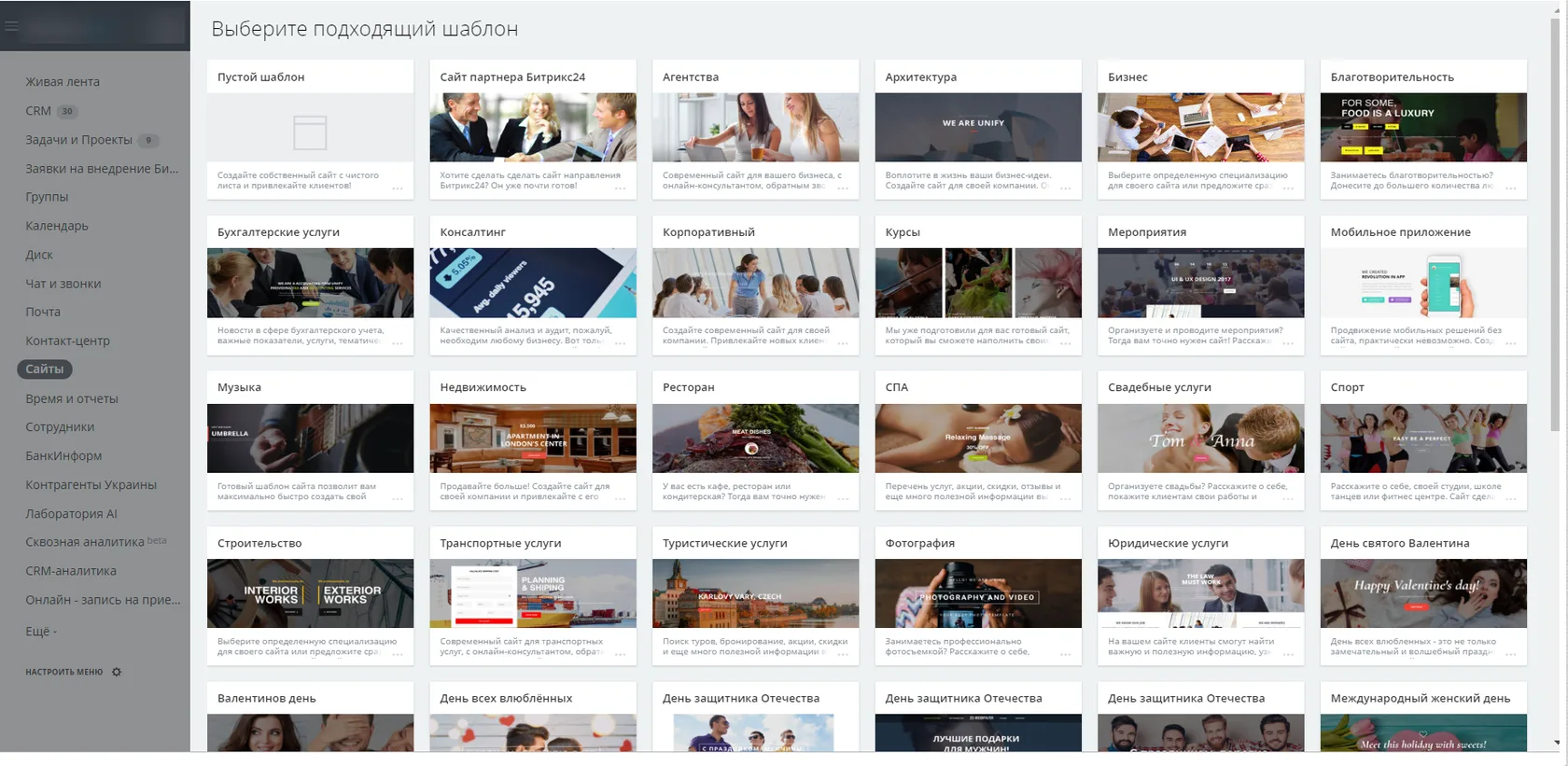
The system makes it easy and quick to build websites, landing pages or promo pages. For example, before launching a new course or workshop you can put up a page announcing it, gauge demand and add to the course the information clients are missing.
Such a page can carry a sign-up form for a trial lesson or for a place on the workshop, and the incoming messages and calls are then handled in the CRM.

The teaching process: tools 5 and 6
Tool 5. Curricula and schedules
A CRM makes it quite simple to split contacts across different study groups, courses or workshops. Everything else rests on the calendar and on tasks.
- Use the calendar to build a class schedule for each group.
- Assign tasks to colleagues and administrators and track how they are carried out.
- Publish theory materials and homework for students and course participants.

Tool 6. Chats and video conferencing
On the corporate portal you can create work and study chats in three forms — public, private or one-to-one. Video calls and video conferences are another effective tool in the system, one that teachers and trainers use in their courses.
Management and analytics: tools 7 and 8
Tool 7. Visual sales funnels and end-to-end analytics
The "CRM analytics" module is a tool that helps you see at a glance how effective your managers are, how the sales plan is being met and how advertising campaigns are performing. A visual sales funnel makes it easy to understand which stage each client is at and where the weak points in the workflow are.
That analysis lets you change and fine-tune your tactics quickly, put together upsells of related courses and lectures, or launch repeat sales.
The system integrates easily with Google AdWords, Google Analytics, Google Tag Manager and targeted advertising on Facebook Ads. Advertising campaigns can be created in the CRM, and you can track how many calls and enquiries came in, how much was spent and how many deals were closed successfully.
Tool 8. Reports
Along with the CRM, training-centre managers and trainers get a universal report builder. The list of reports is shaped around the user's needs.
Payments by period
Reports on paid invoices over a given period of time.
Amounts from clients
The total received from a single client or a group of clients.
Campaigns and courses
Reports on each advertising campaign, course or individual training centre.
The team
How busy the teaching staff are and how effective the managers are.
The facts in figures
After a CRM was rolled out at one training centre and the workshop launch processes were automated, our client reported sales growing by a factor of 2.5.
- Every online message and missed call was recorded in the CRM — the number of calls and website enquiries handled rose by 28%.
- With enquiry handling under control, the number of people signing up for a trial class rose by 80%.
What to take away from this
The eight tools above are not eight separate programs but one system in which enquiries from every channel, calls, invoices, class schedules and reporting all sit side by side. That is precisely where the effect comes from: the manager is not hunting for the enquiry that went missing, and the director sees the picture from reports rather than from hearsay.